SwiftMail for Gmail


SwiftMail for Gmail icon

SwiftMail for Gmail is a lightweight Gmail client that matches the familiar Gmail UI, but stripped down to the essentials. It supports the basics — labels, attachments, autofill contacts from your Google and Apple contacts combined, and copying verification codes. Built for people who want a simple but fast email experience without the advanced features.

Requires macOS 26.5 or later.
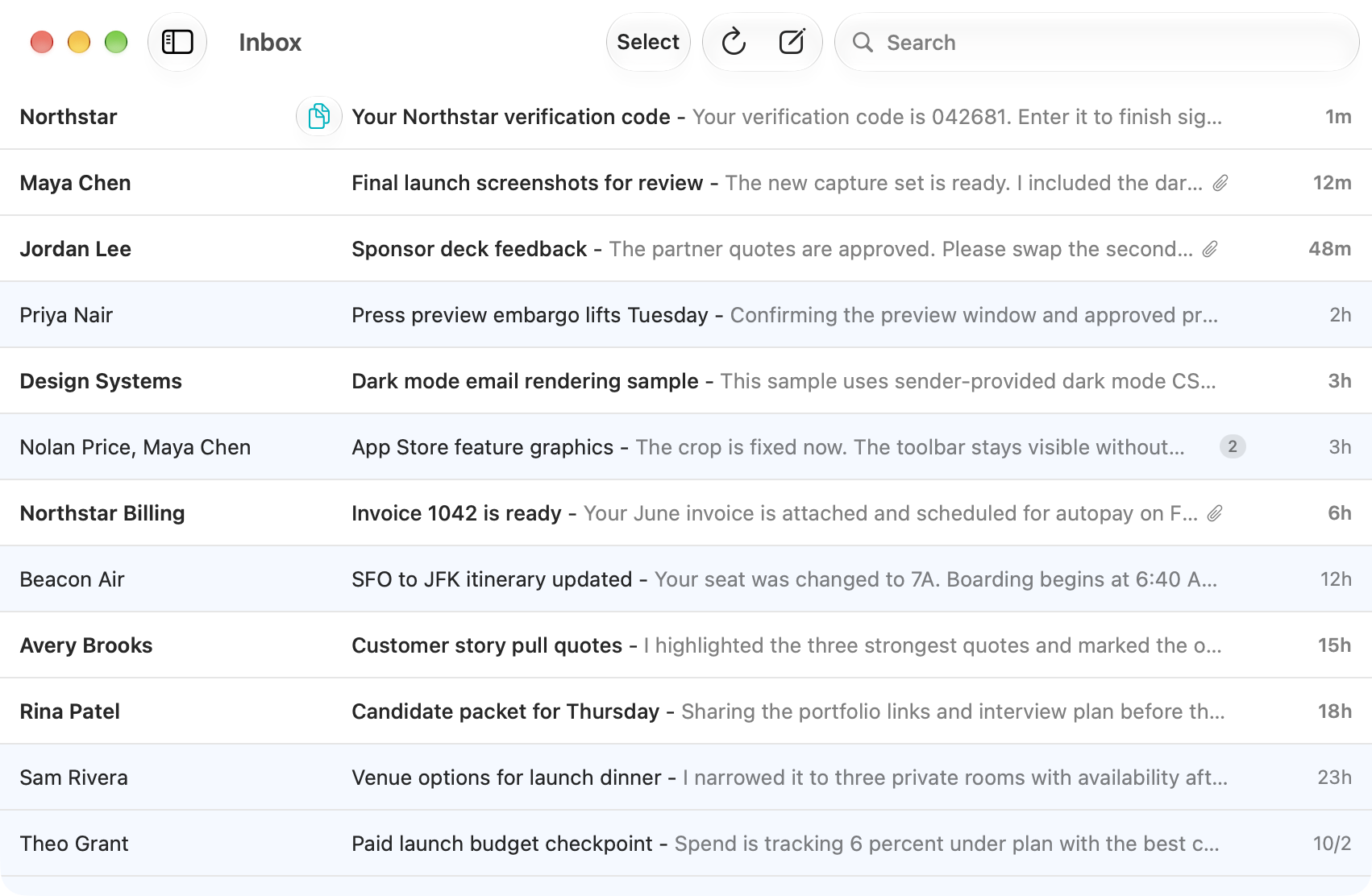
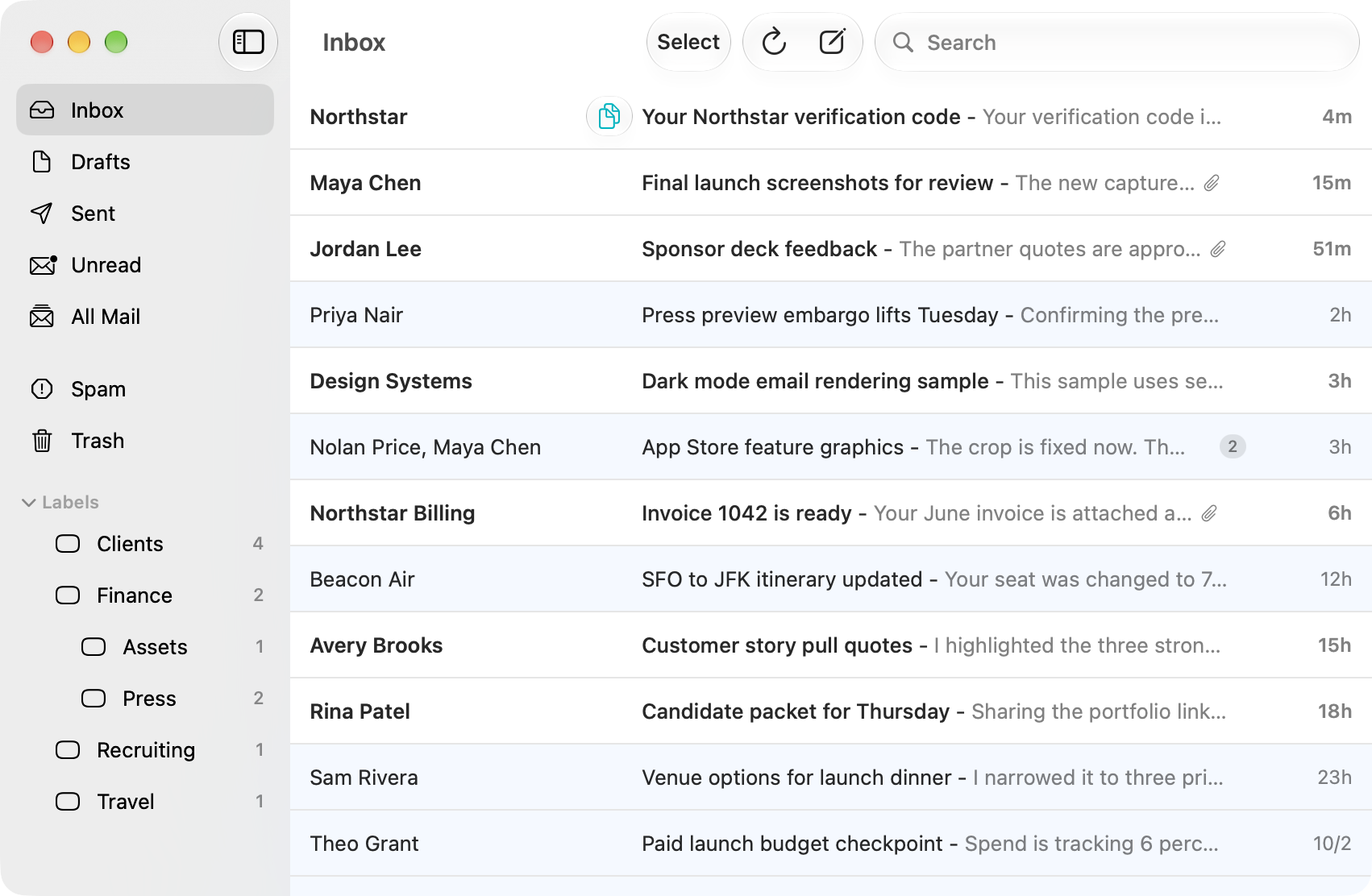
Copy verification codes directly from your inbox or a macOS notification. The Copy Code button stays visible beside the sender, and copying a code moves its email to Trash.
SwiftMail inbox with a Copy Code button beside the Northstar verification email's sender
Keep folders and labels close at hand, or hide the sidebar for more room.
SwiftMail inbox with the sidebar open, showing mail folders and custom labels
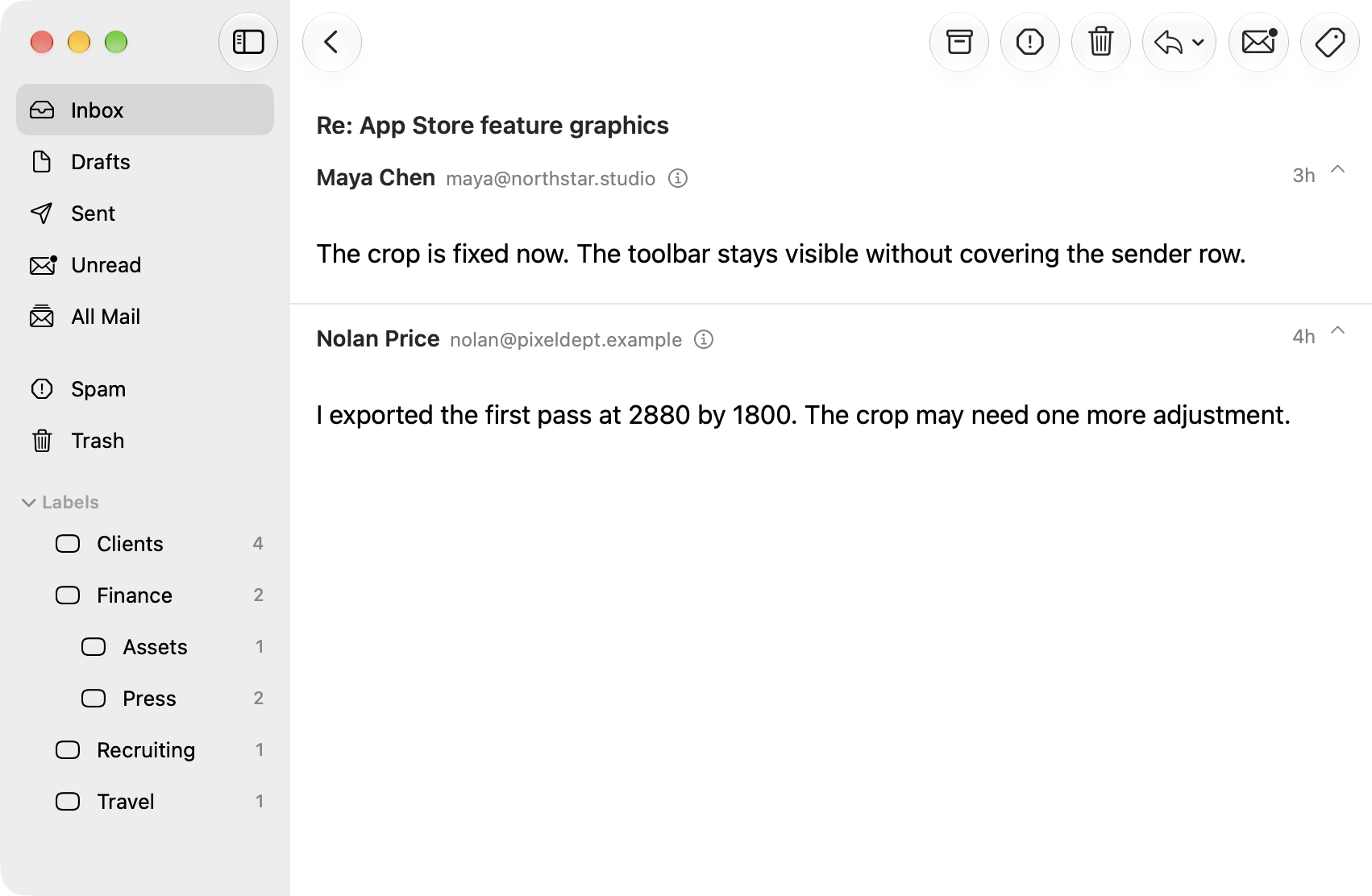
Read the messages in a conversation together.
A two-message email conversation in SwiftMail with the message bodies expanded
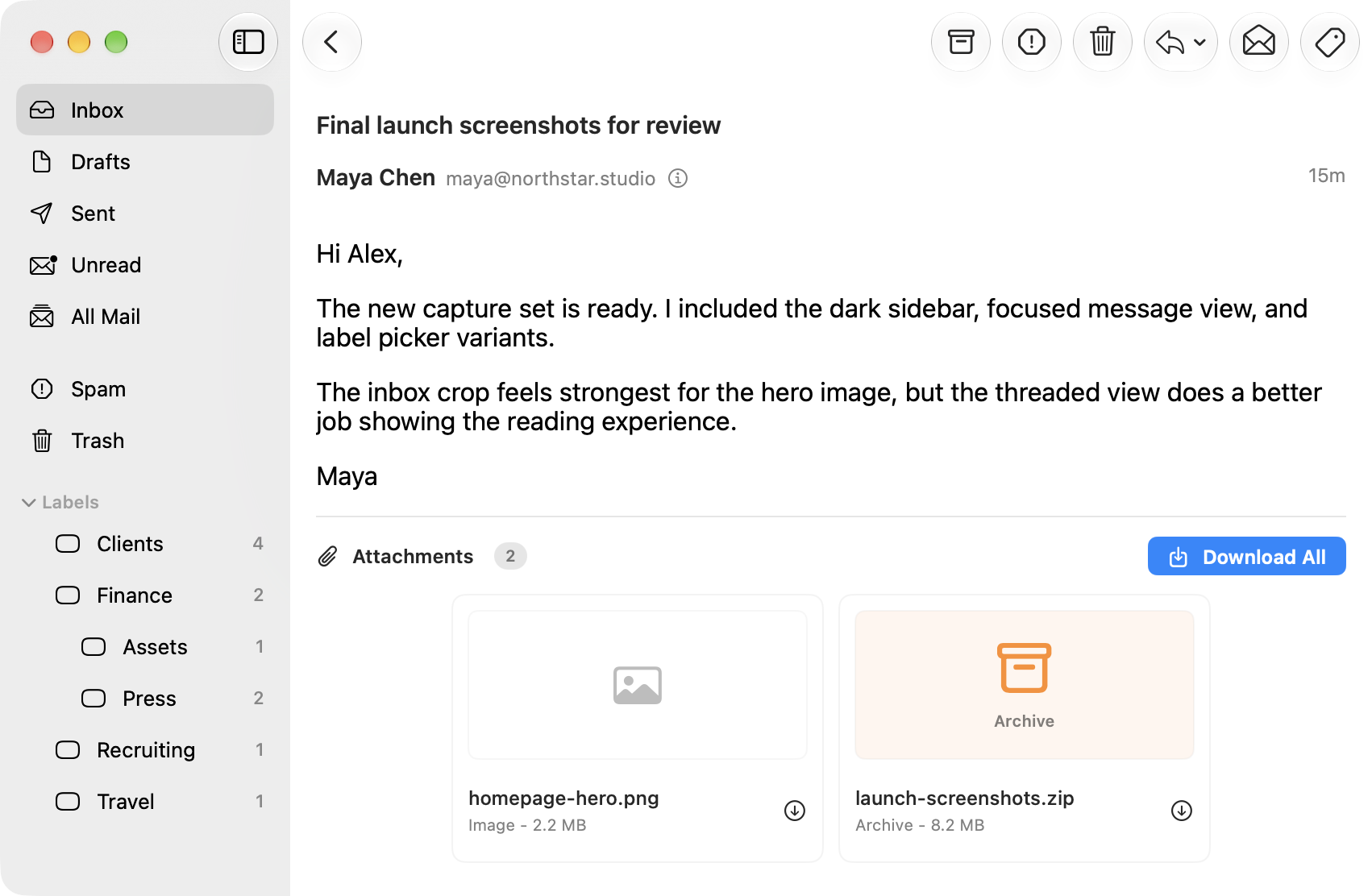
Preview images and download attachments individually or together.
An email in SwiftMail with image and ZIP attachments and download controls
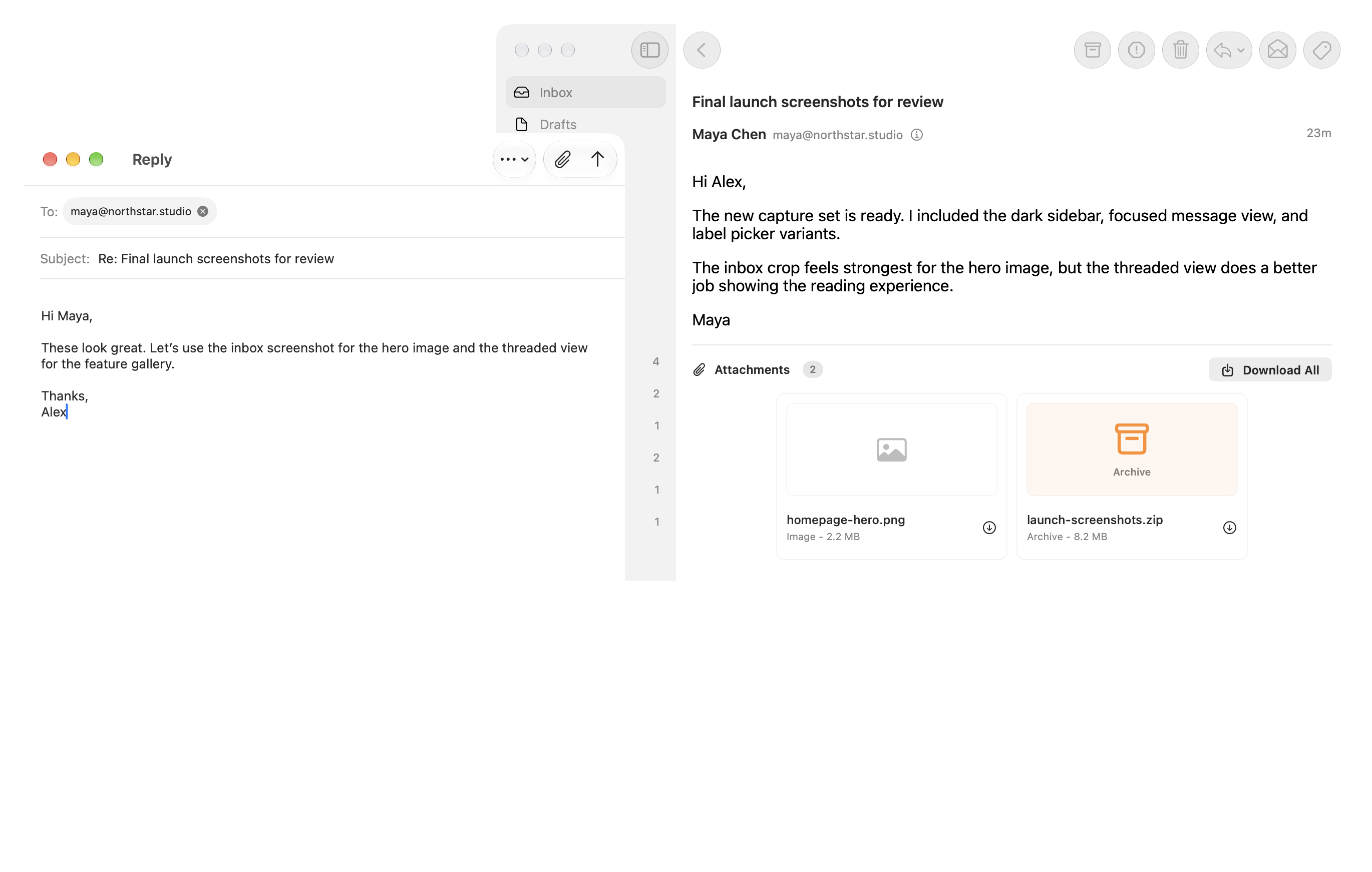
Compose and reply in a focused window.
SwiftMail's reply window in front of the main app window showing the original email